Brivo Video Intercom: Add Visitor Calling to Your Brivo Doors
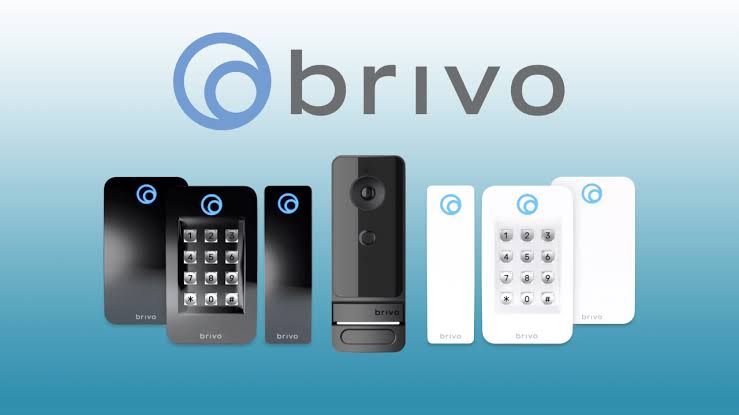
Quick Answer: DoorVi adds a QR-code video intercom and visitor management layer on top of Brivo-managed doors. Visitors scan a QR code and video-call the resident, and DoorVi keeps unified visitor logs alongside your existing access events. Your Brivo credentials, readers and controllers stay in place.
What DoorVi adds to Brivo
- A QR code at the entrance. Visitors scan it with their own phone and video-call the resident. There is no entrance panel and no wiring to each unit.
- One visitor journey. A visitor uses the QR code or a six-digit invite code.
- Video intercom and visitor logs on Brivo-managed doors. The resident answers the call in the DoorVi app.
- Unified visitor logs alongside your existing access events.
What stays in Brivo
- Your Brivo credentials keep working.
- Your readers and controllers stay in place.
- Nothing is replaced. DoorVi is added on top of what you run.
- You can roll out one entrance or building at a time.
How we scope a Brivo integration
- Tell us which Brivo system and which doors you have.
- We confirm the right connection for those doors.
- We roll out door by door, starting with the entrance you choose.
There is no public Brivo setup guide yet, so we scope each site with you first. Book a call and tell us what you run.
Who this is for
- Integrators who install and service Brivo and want to add visitor video calling.
- Commercial property owners with Brivo-managed doors.
- Gated communities that want gate automation: a Brivo-managed gate can be part of the same QR video call flow.
- Sites with gated or visitor parking that need parking solutions for entry. The DoorVi for Cars and Vehicles QR tag also lets people reach a car's owner about wrong parking, an accident or roadside help.
Where DoorVi fits best
- You keep your Brivo credentials, readers and controllers.
- You can start with one entrance or building.
- Visitors use their own phone. There is no entrance panel and no wiring to each unit.
- One visitor journey. A QR code or a six-digit invite code.
- Support: DoorVi's support team resolves support tickets within 24 hours.
When another option fits better
- Your client wants a physical video panel at the door. DoorVi uses a QR code instead.
- You need a fixed, documented Brivo setup procedure today. We scope each Brivo integration with you first.
- Your doors run on PDK. See the PDK page.
Frequently asked questions
Does DoorVi replace Brivo?
No. DoorVi works alongside Brivo. Your Brivo credentials, readers and controllers stay in place, and DoorVi adds video intercom and visitor logs on top of your Brivo-managed doors.
Do my credentials keep working?
Yes. Existing credentials keep working. DoorVi does not replace them.
Can I roll out one building at a time?
Yes. You can start with one entrance or one building and add more when you are ready.
Do I need an entrance panel?
No. Visitors scan a QR code with their own phone and video-call the resident, so there is no entrance panel and no wiring to each unit.
What does it cost?
Up to $5 per unit per month, with no setup or installation fee. One unit covers up to 6 members.
What support does DoorVi provide?
You can raise a ticket with the DoorVi support team, and it is resolved within 24 hours. For a Brivo site we also scope the connection with you before roll-out.
Related
Tell us which Brivo doors you have
Reviewed by Sachin Gupta, Director, DoorVi. Last updated: September 30, 2026