SUPLA Video Intercom: Visitors Call by QR Code, Residents Open the SUPLA Gate or Door
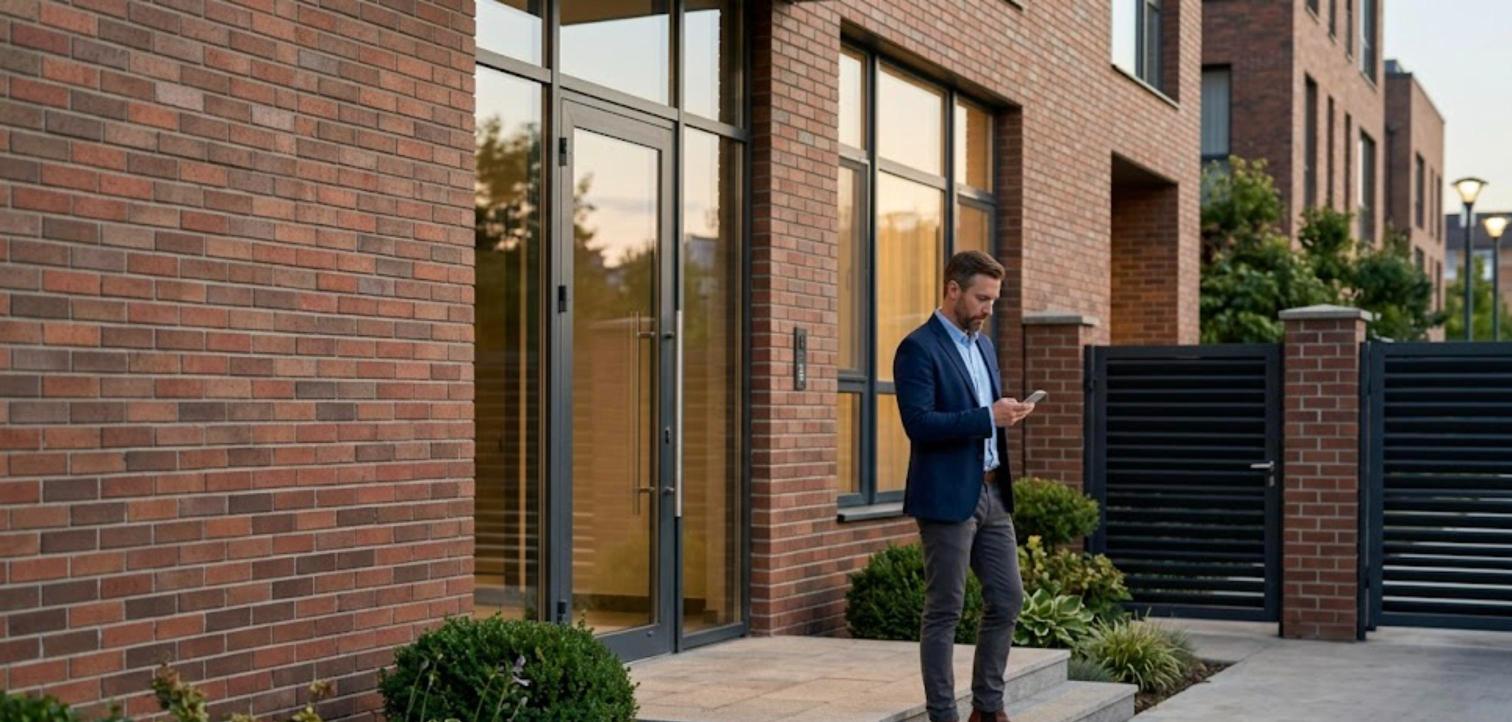
Quick Answer: DoorVi adds a QR-code video intercom and visitor management to the gates and doors you already control with SUPLA. A visitor scans a QR code (or uses a lobby tablet) and video-calls the resident. The resident taps Open in the DoorVi app, DoorVi calls the SUPLA Cloud direct link for that gate or door, and SUPLA opens it. The SUPLA app, devices and automations keep working as before.
What SUPLA does and what DoorVi adds
SUPLA is an open-source smart home and automation platform developed in Poland and publicly released in 2016. With the SUPLA app and SUPLA Cloud, residents open a gate, wicket gate, garage door or door lock from their phone. SUPLA does not handle visitors: the person at the gate who needs to reach a resident. DoorVi adds that layer:
- QR video calling. A visitor scans a QR code at the gate with their own phone and video-calls the resident. The visitor does not install an app.
- Lobby tablet. An Android tablet or iPad at the entrance shows a resident directory and starts the video call.
- Six-digit guest codes for expected guests, family and contractors.
- Delivery pre-approval for expected couriers.
- Visitor log with the time, the apartment and who opened the gate.
How a visit works with SUPLA
- A visitor scans the DoorVi QR code at the gate or entrance, or taps the lobby tablet.
- They choose the apartment or resident and start a video call in the browser.
- The resident sees and hears the visitor in the DoorVi app.
- The resident taps Open, and DoorVi calls the SUPLA Cloud direct link for that gate or door.
- SUPLA opens the gate, wicket gate, garage door or door lock, and DoorVi logs the visit.
Set it up in about 5 minutes per gate or door
- In SUPLA Cloud, create a direct link for the gate or door channel with the open action allowed.
- In DoorVi MulTi, the admin portal at multi.doorvi.co, add a lock for that gate or door and paste the link.
- The lock appears in the DoorVi app under Manage lock. Test it from a visitor call.
The building admin or installer does this once per gate or door. There is no new wiring and no new device. You can revoke or regenerate the direct link in SUPLA Cloud at any time; then paste the new link into DoorVi MulTi.
What stays the same in SUPLA
- Residents and administrators keep using the SUPLA app.
- Your SUPLA devices, wiring and channels stay in place.
- Your SUPLA automations and schedules keep running.
- Nothing is replaced. DoorVi adds the visitor side on top of what you already run.
Which SUPLA devices work
DoorVi works with SUPLA channels that open an entrance:
- Gate (sliding or swing driveway gate)
- Wicket gate (the pedestrian gate, called "furtka" in Polish)
- Garage door
- Door lock (electric strike or electric lock)
Tell us which SUPLA devices and channels you use, and we confirm the setup before roll-out.
Who this is for
- Apartment buildings and gated communities that already open gates and doors with SUPLA.
- Installers and integrators who fit SUPLA devices and want to offer a video intercom with them.
- Single homes with a SUPLA-controlled gate or wicket gate that want a QR video doorbell.
- Property managers who need guest codes and a visitor log.
DoorVi with SUPLA is already running in a residential building in Poland.
When another option fits better
Frequently asked questions
Does DoorVi replace the SUPLA app?
No. Residents and administrators keep the SUPLA app, devices and automations. DoorVi adds the visitor side: a QR code, a video call to the resident and an Open button in the call.
Do I need new wiring?
No. DoorVi uses the SUPLA device that already opens your gate or door. Visitors use their own phone, so there is no entrance panel and no wiring to each apartment.
Which SUPLA devices does DoorVi work with?
SUPLA channels that control a gate, wicket gate, garage door or door lock. Tell us your devices and we confirm before roll-out.
How does DoorVi connect to SUPLA?
With a SUPLA Cloud direct link. You create a direct link for the gate or door channel in SUPLA Cloud with the open action allowed, and paste it into DoorVi MulTi as a lock. When the resident taps Open during a visitor call, DoorVi calls that link and SUPLA opens the gate or door.
How long does setup take?
About 5 minutes per gate or door: create the direct link in SUPLA Cloud, paste it into DoorVi MulTi, and test it from a visitor call.
Can I turn the access off?
Yes. You can revoke or regenerate the direct link in SUPLA Cloud at any time. DoorVi cannot open that gate or door again until you paste a new link.
Can a visitor get in without a live call?
DoorVi has six-digit guest codes and delivery pre-approval for expected visitors. Ask the DoorVi team how they apply to your gate before you promise them to residents.
Is DoorVi with SUPLA already in use?
Yes. It is already running in a residential building in Poland.
How is it priced?
Up to $5 per unit per month, with no setup or installation fee. One unit covers up to 6 members.
Related
Tell us which SUPLA devices open your gates and doors
Reviewed by Sachin Gupta, Director, DoorVi. Last updated: November 18, 2026